Gardeners and landscapers
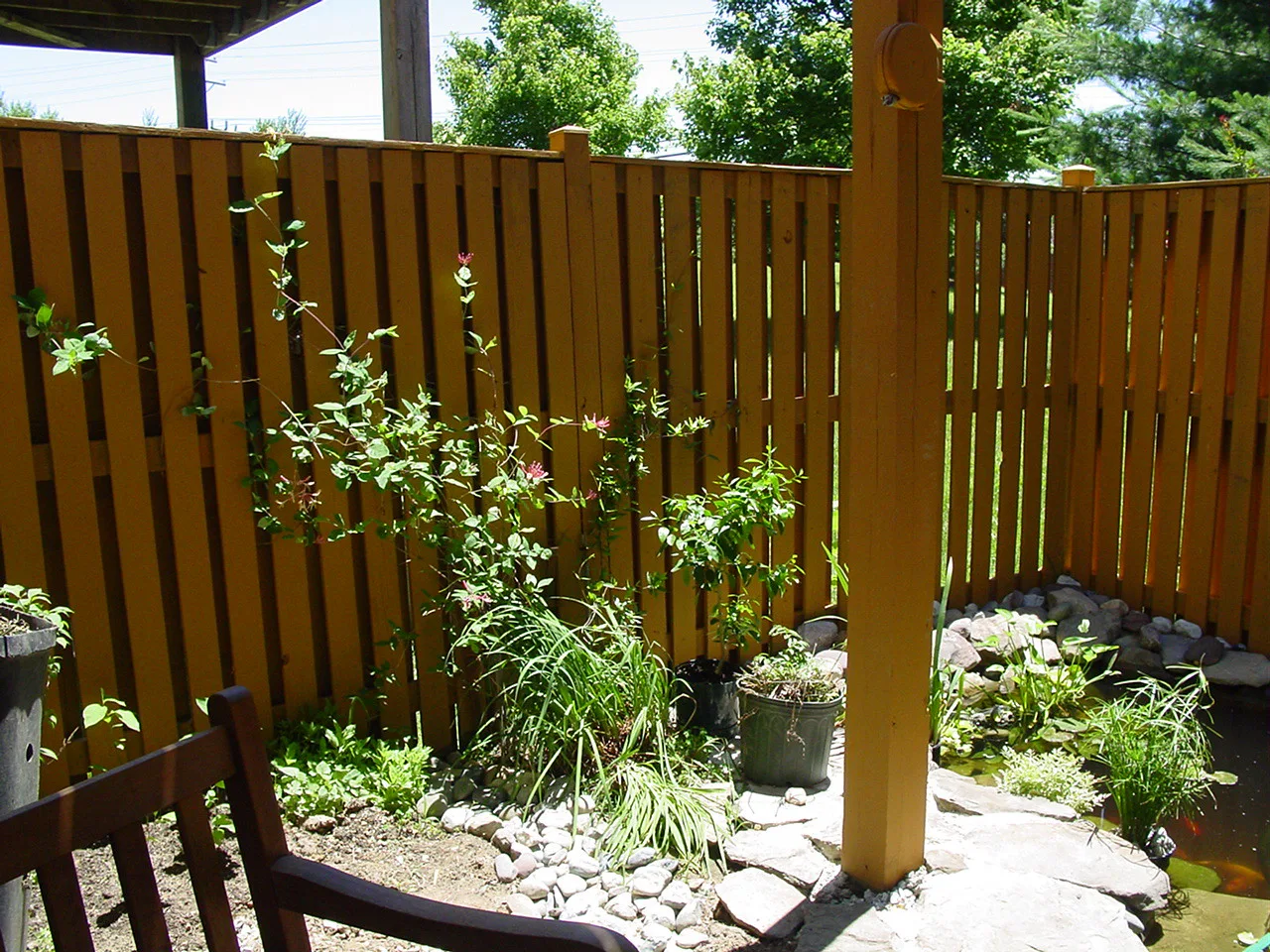
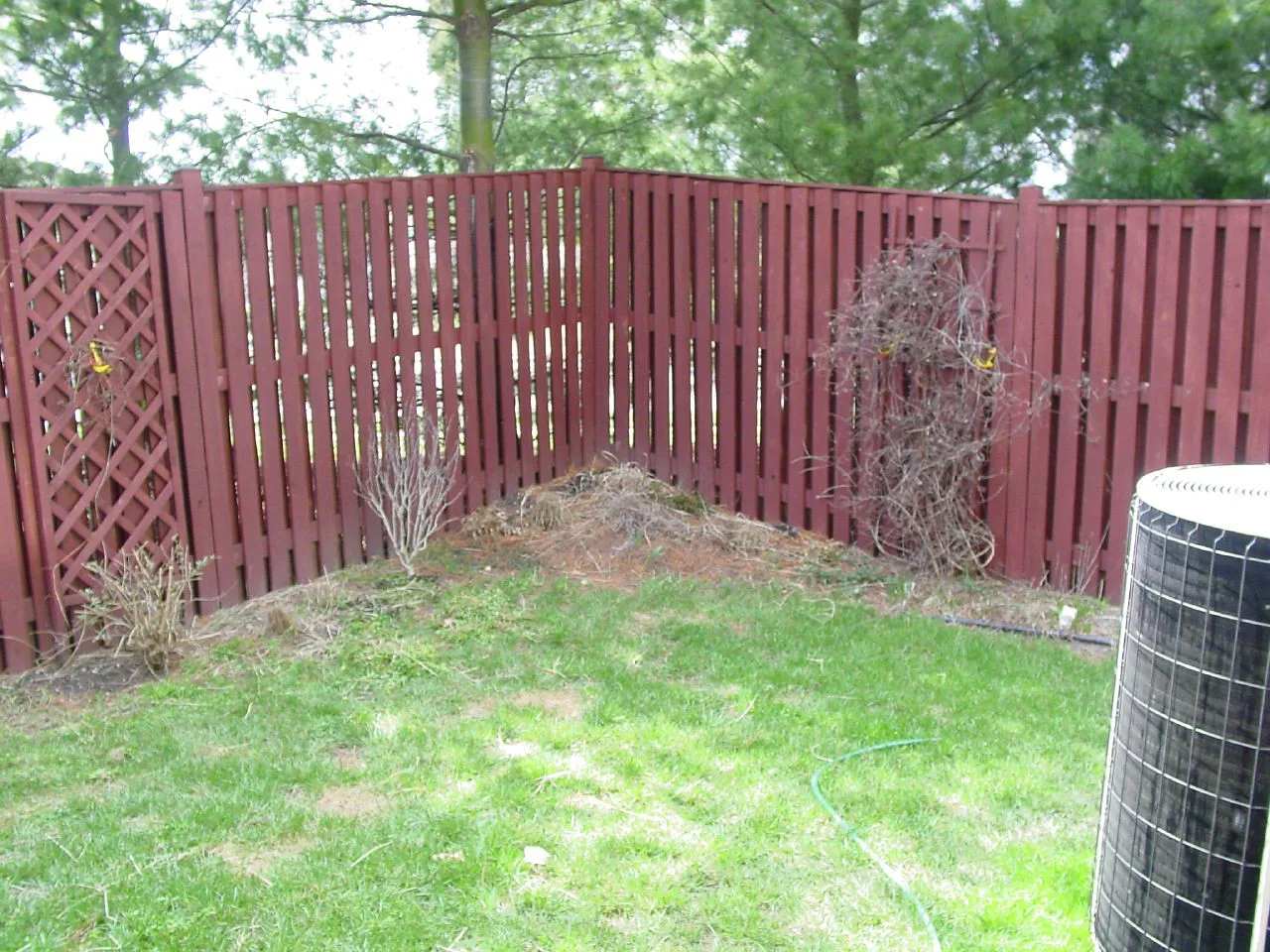
A tired corner becomes a finished garden, revealed the way you saw it on the day.
Sample business · Photos: krossbow, CC BY 2.0Try it
Add a before and after photo. JobReveal makes a branded post and a caption with your suburb, ready to share in about 30 seconds.
No design experience needed Free to start, no cardMade for Instagram and TikTok
Sample post.
No design software, no layers, no blank caption box.
The before and after you already took. Straight from your camera roll, no editing first.
Animated wipe, carousel or split-screen. Your logo, colour and Google rating go on for you.
Save the image or video, copy the caption, and post it from your phone. Done.
Pick the one that suits where you’re posting. You can switch any time.
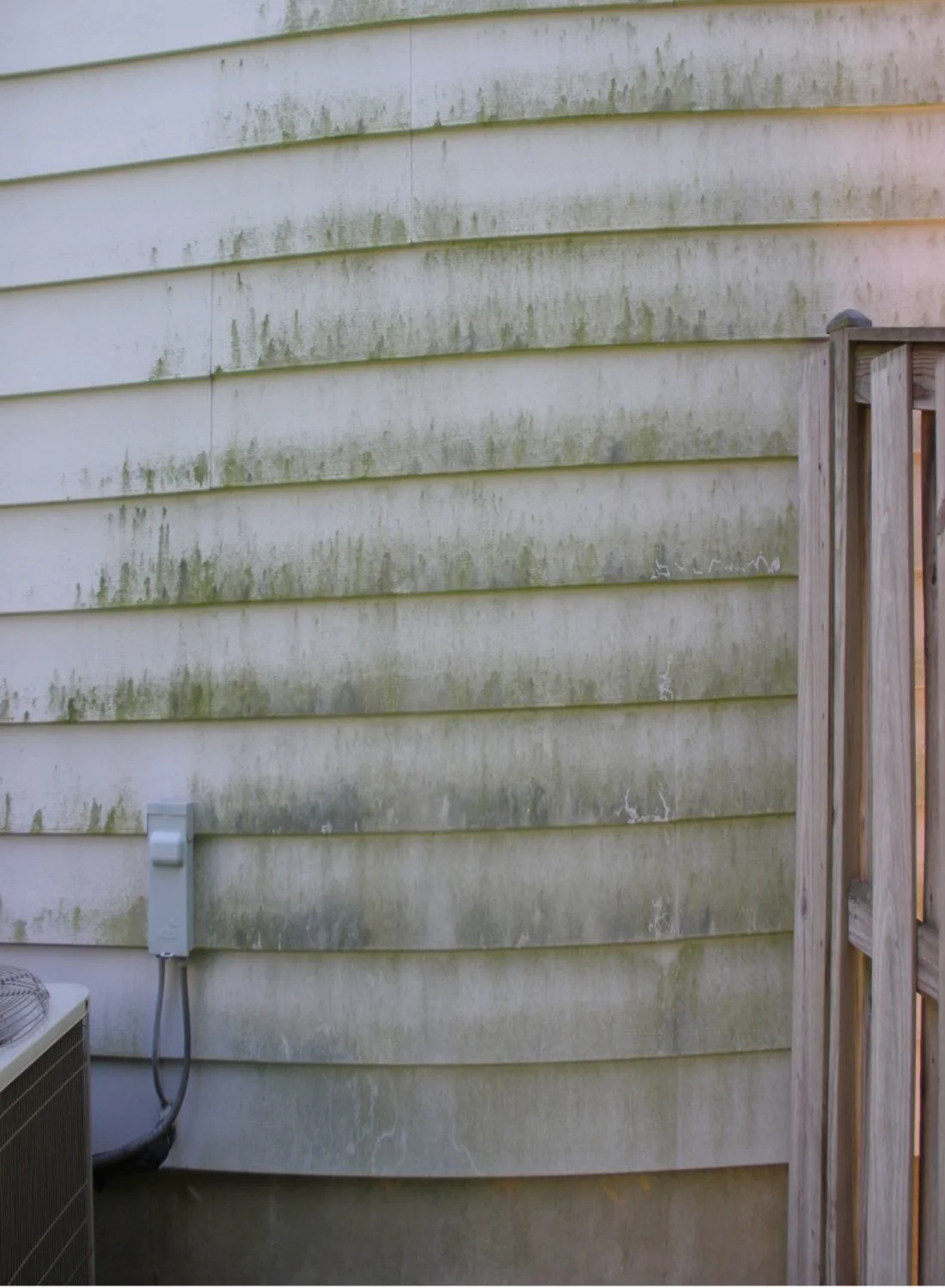
Sample post. Photos: East Coast Powerwashing, CC BY-SA 3.0.
Opens on the before photo. A divider sweeps across to reveal the after, then ends on your call-to-action card.
Starting with three trades whose work shows clearly in a photo.
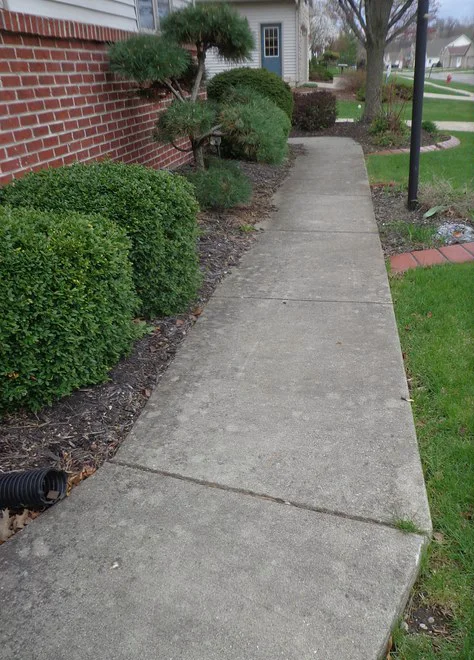
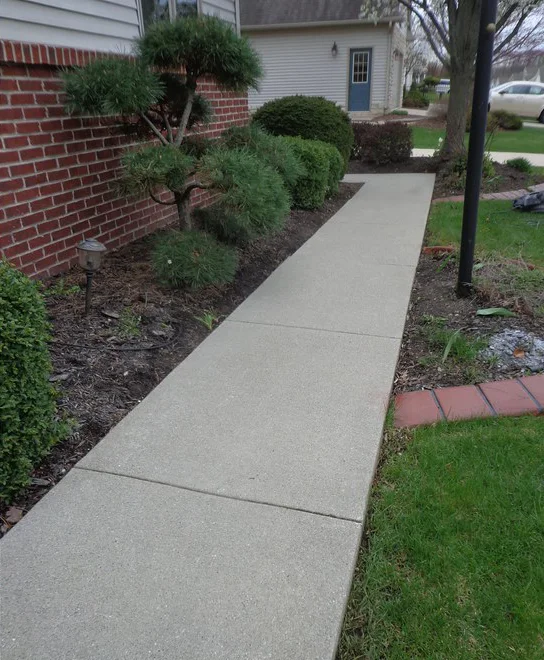
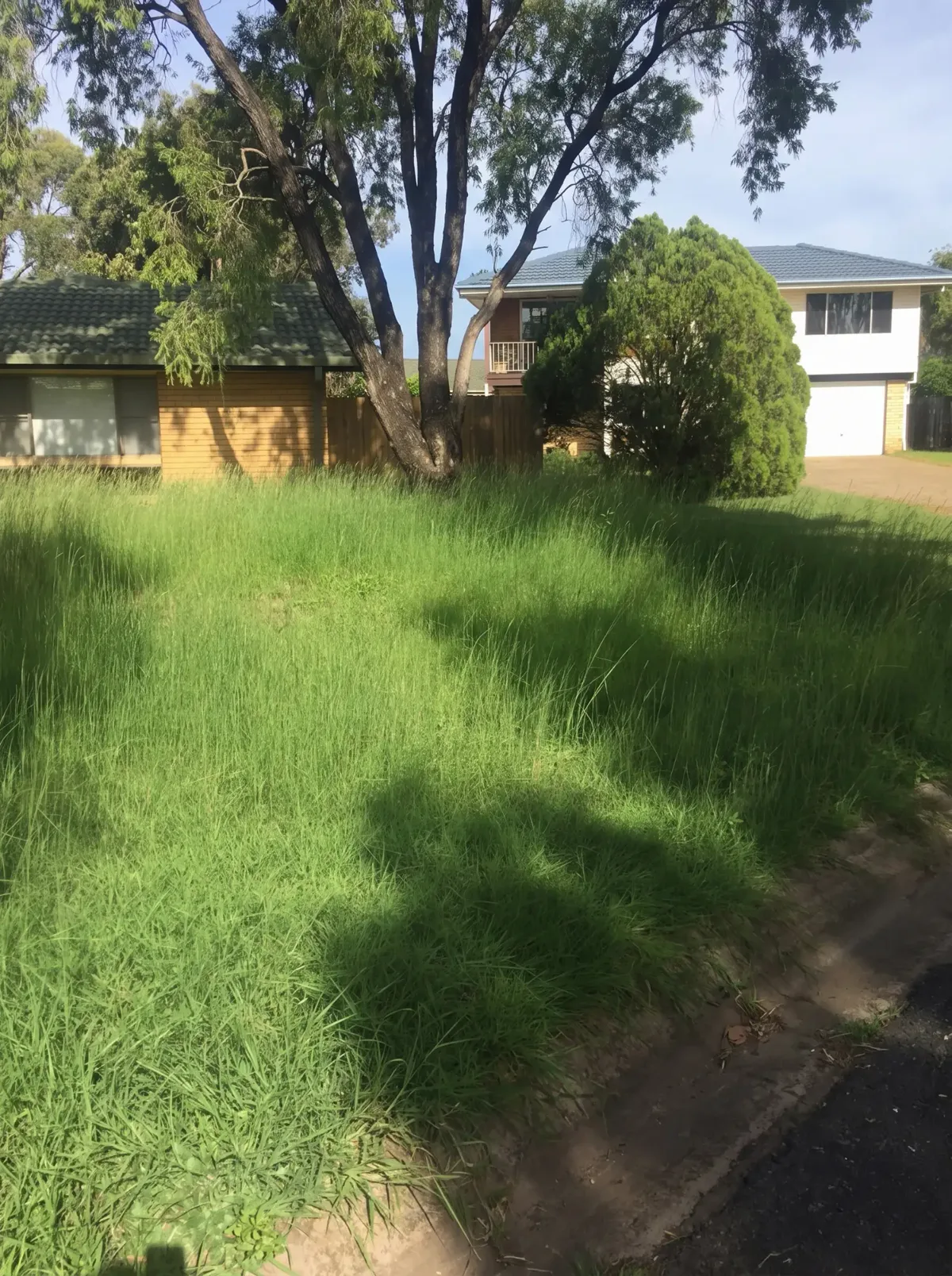
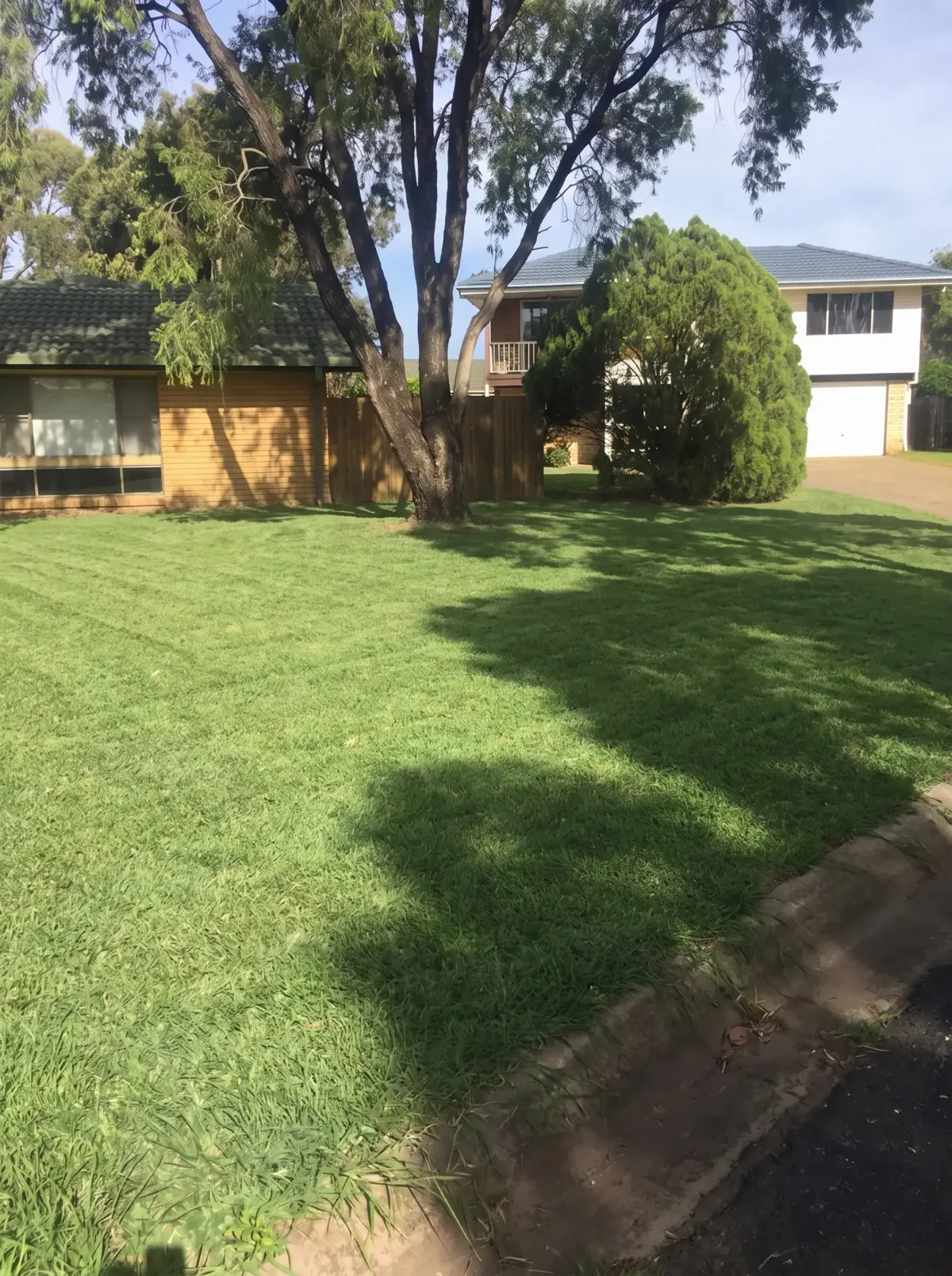
A tired corner becomes a finished garden, revealed the way you saw it on the day.
Grime on one slide, clean concrete on the next. The last slide asks for the quote.
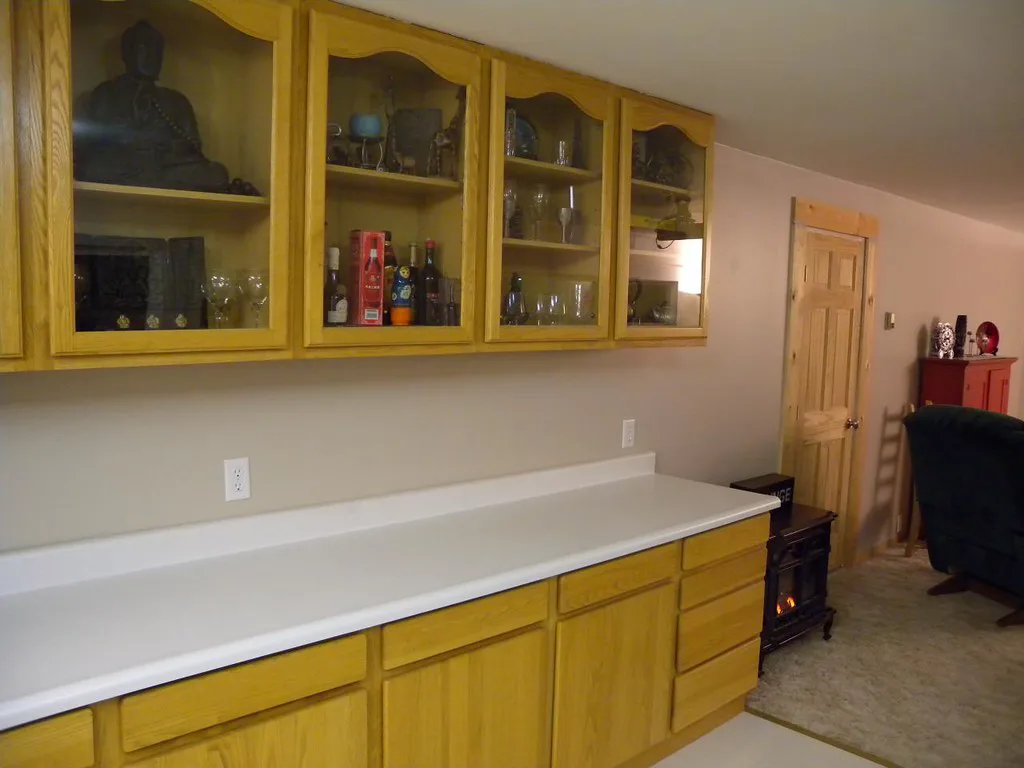
Before and after side by side, with the colour name in the caption for anyone who asks.
Link your Google Business Profile once. Your average rating and review count go on your posts automatically, with Google’s attribution, so new customers see what past ones thought.
Choose a style, check the preview, download.
Your logo and colour on every post, so people recognise your work.
Big, honest photos. The layout never covers the part that matters.
Add the suburb and the post makes sense to people nearby.
A caption from your job details that you can edit before copying.
A library you can search, duplicate and download again.
No credit card for the free plan. Cancel paid plans any time.
Three exports to try it properly. No credit card.
$0AUD / month
No credit card required
15 exports a month. Enough to post a few jobs a week.
$9AUD / month
Unlimited exports and every template.
$19AUD / month
Prices are placeholders while JobReveal is in early testing.
No. You pick a style and JobReveal handles the layout, fonts and spacing. You can move things around if you want to, but you never have to.
JPG, PNG, WebP and HEIC photos straight from your phone, up to 25 MB each. We’ll tell you if a photo is very small or blurry.
Yes. Posts are sized for Instagram (4:5 feed, square, and 9:16 Stories and Reels). The animated wipe exports as a 9:16 video that works on TikTok, and everything works on Facebook too.
No. You download the image or video, copy the caption, and post it yourself, so you stay in control of what goes out.
Paste your Google Business Profile link or search for your business in settings. We show your public average rating and review count with Google’s attribution. You can hide it on any post.
Always. Make it shorter, friendlier or more professional, add or remove emojis and hashtags, or just type over it.
Yes. Upload your logo and pick your colour once. No logo? We’ll use your business name.
Photos are re-saved in your browser, which strips location and camera data. There are tools to blur faces and number plates, and posts use suburb names, never street addresses.
Yes, any time from Account and billing. Your saved projects stay available on the free plan.